

One day, your CI reports multiple alerts, your scan output shows dozens of vulnerabilities, and an AI assistant also returns a long list of candidate fixes. The pain is usually not “lack of tools.” It is the missing handoff: who can approve, who can release, and who can recover if something breaks.
AI helps most when it reduces noise and writes the first draft. The part it should not replace is release ownership. If the task touches login, payment, credentials, customer data, encryption, database changes, or deployment scripts, human checkpoints must stay mandatory.
This lesson turns “AI Organizes Vulnerabilities, Humans Keep the Release Key” into one practical reader question: AI can quickly structure security alerts and draft patch proposals, but humans still need the release gate to prevent well-written recommendations from becoming unsafe production changes. Use the rest of the article to document what should happen before the team proceeds.
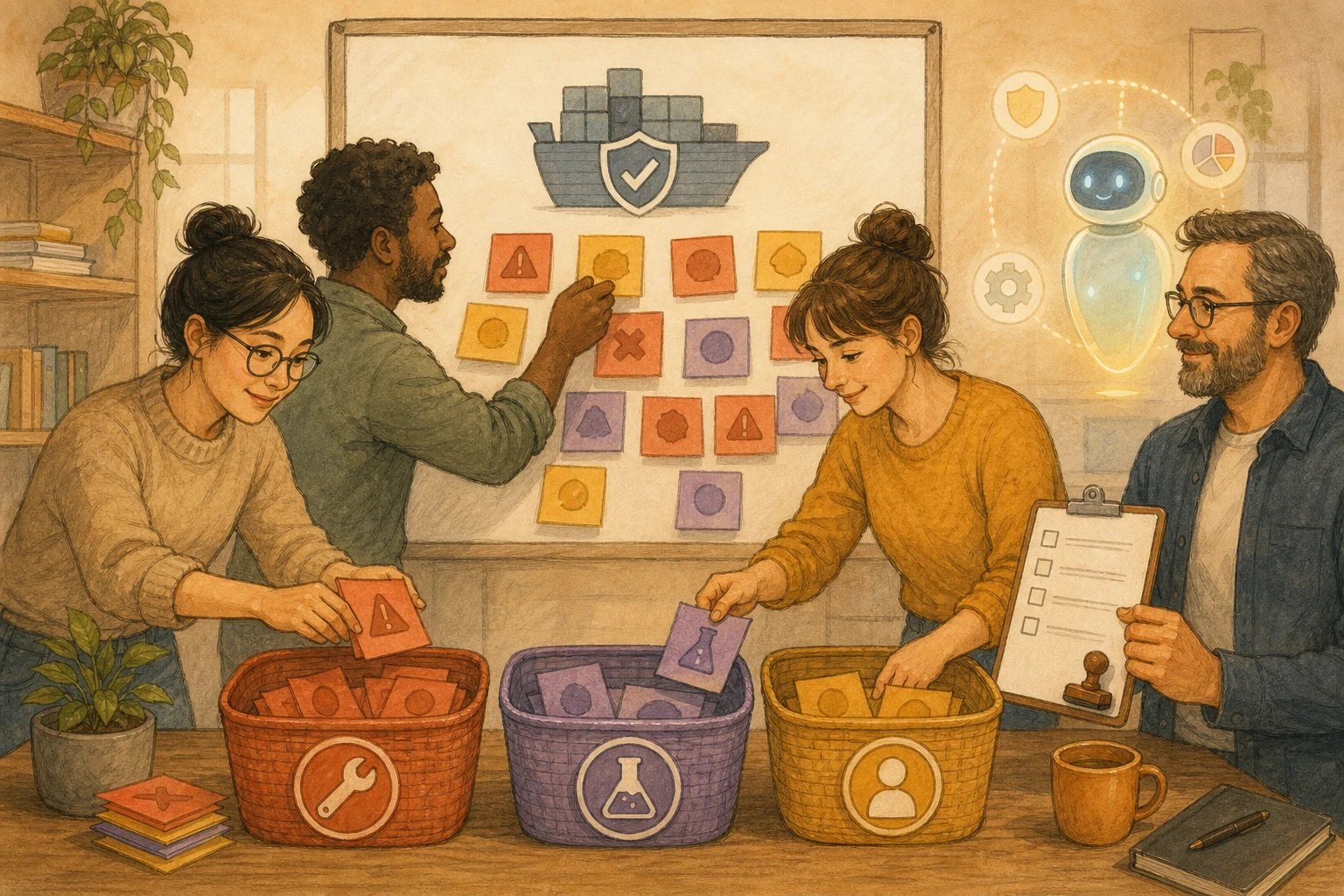
Split AI security patching into three responsibility layers
Write the split down so the team can trust the flow:
| Responsibility layer | What AI can do | What humans must do |
|---|---|---|
| Triage and context | Read alerts, advisories, and reports; group issues and prioritize by impact. | Verify sources, versions, and whether the issue actually touches production paths. |
| Draft and suggest | Propose upgrade steps, config changes, and test items. | Decide whether the change affects behavior, permissions, data flow, or deployment process. |
| Release gate | Must not decide alone; can provide checklists and rollback steps only. | Own release timing, evidence review, monitoring plan, and rollback execution. |
Four release questions before any patch goes live
If you cannot answer these, stop at candidate state:
- Impact scope: Which service, flow, endpoint, and users are affected? Did we confirm real execution exposure?
- Change content: Is this only a version bump, a config change, or a process-level modification? Does it touch login, payment, customer data, encryption, database, or deployment scripts?
- Test evidence: Are there unit tests, integration tests, startup checks, scan results, or human verification records?
- Rollback path: If the patch causes harm, how do we revert and who starts the rollback?
Two internal references to align your workflow
- If your team is also working on container scans, compare this flow with Docker patch triage boundaries.
- If you already run a coding-agent workflow, also review human checkpoints for coding agents.
Situations that should not auto-fix
- Paths that process login, payment, customer data, credentials, encryption keys, or unpublished internal documents.
- Changes that modify permissions, encryption logic, database behavior, network topology, or deployment scripts.
- No automated test coverage and no stable manual acceptance step.
- AI must send reports, code context, or vulnerability details to external services while data boundaries are not finalized.
- No one can clearly explain how recovery is performed.
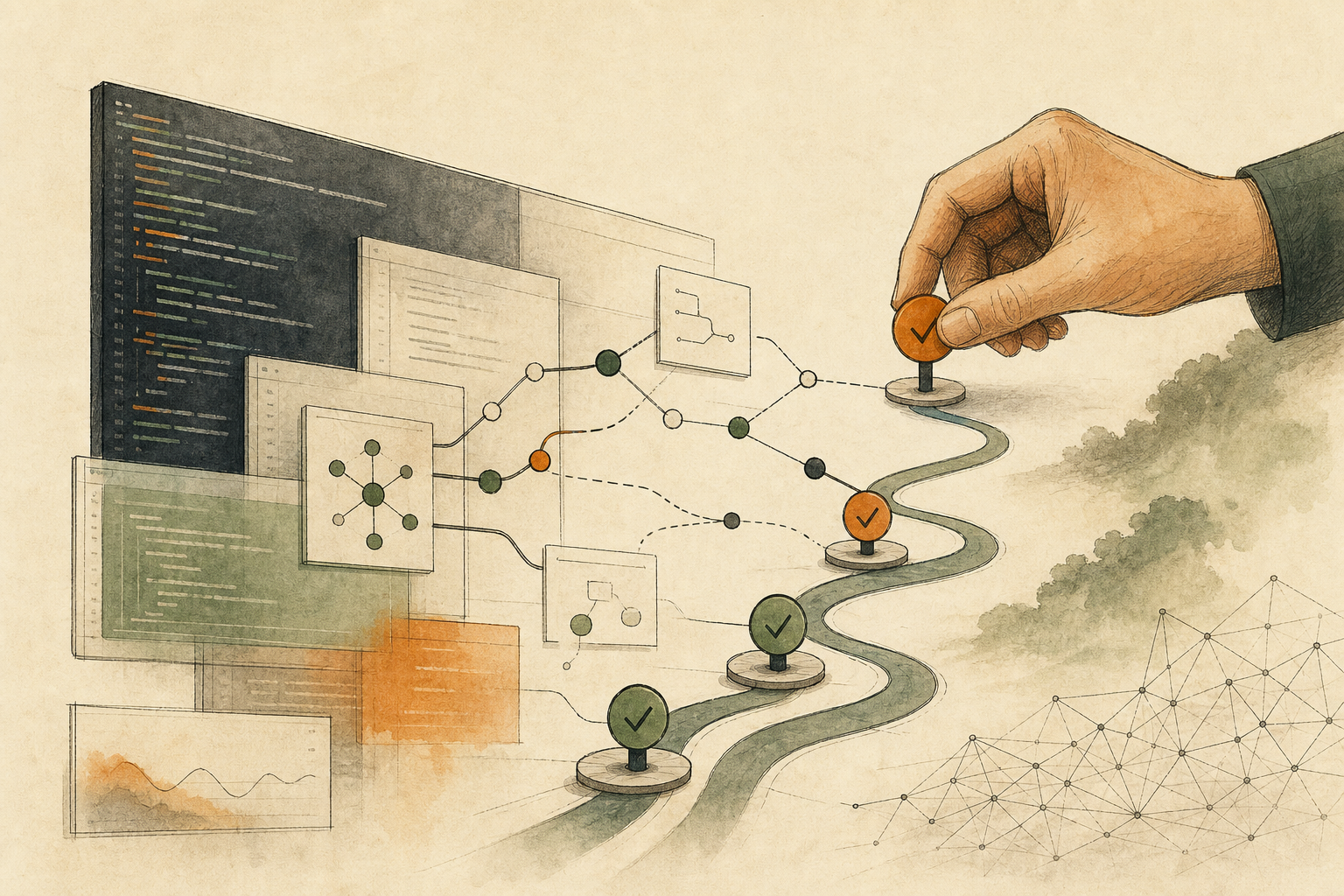
A minimal daily flow for small teams
- Collect alerts: unify all alerts into one triage board.
- AI grouping: let AI summarize and classify candidates first.
- Human check: confirm impact boundaries and ownership.
- Test-first pass: validate in staging and attach evidence links.
- Release gate: human sign-off, monitoring checklist, rollback plan, then deploy.
The goal is still speed, but speed with a visible decision trail.
AI handoff card
Convert the article’s decision into your workflow If you want a personal checklist from this lesson, paste the prompt below into an AI tool you trust and avoid sharing sensitive data.
I want to apply this BMC mini lesson to my own situation: AI Organizes Vulnerabilities, Humans Keep the Release Key

Specific problem this article handles: AI can quickly structure security alerts and draft patch proposals, but humans still need the release gate to prevent well-written recommendations from becoming unsafe production changes.
Article URL: https://boosterminiclass.com/en/posts/ai-security-patching-needs-human-triage/

Do not only summarize the article. First ask me 3 questions to clarify:
1. the real workflow or decision I am dealing with;
2. which data, permissions, accounts, costs, or external actions are involved;
3. whether I need a stop/go decision, a trial checklist, a handoff template, or a risk tier.

Then check my situation with this article-specific framework: 1. Separate responsibilities: AI organizes triage, engineers validate, and owners make release decisions. 2. For each candidate patch, define test evidence, impact scope, monitoring, and rollback steps. 3. Check high-risk boundaries, data scope, owners, and fallback procedures before release. 4. Move to the next stage only when four release checkpoints are answered.

Please output:
- one sentence on whether I should proceed, run a limited trial, or pause;
- a comparison table applying the framework to my case, with ready / missing evidence / needs human review;
- one smallest step I can take today;
- where I need an owner, log, rollback path, or human review.
Pause for human review before account, money, personal-data, or external actions.
References
- OpenAI: Daybreak: Tools for securing every organization in the world — https://openai.com/index/daybreak-securing-the-world
- OpenAI: Patch the Planet: a Daybreak initiative to support open source maintainers — https://openai.com/index/patch-the-planet
- MITRE: CVE Program — https://www.cve.org/About/Overview
- NIST: SP 800-40 Rev. 3 — https://csrc.nist.gov/pubs/sp/800/40/r3/final