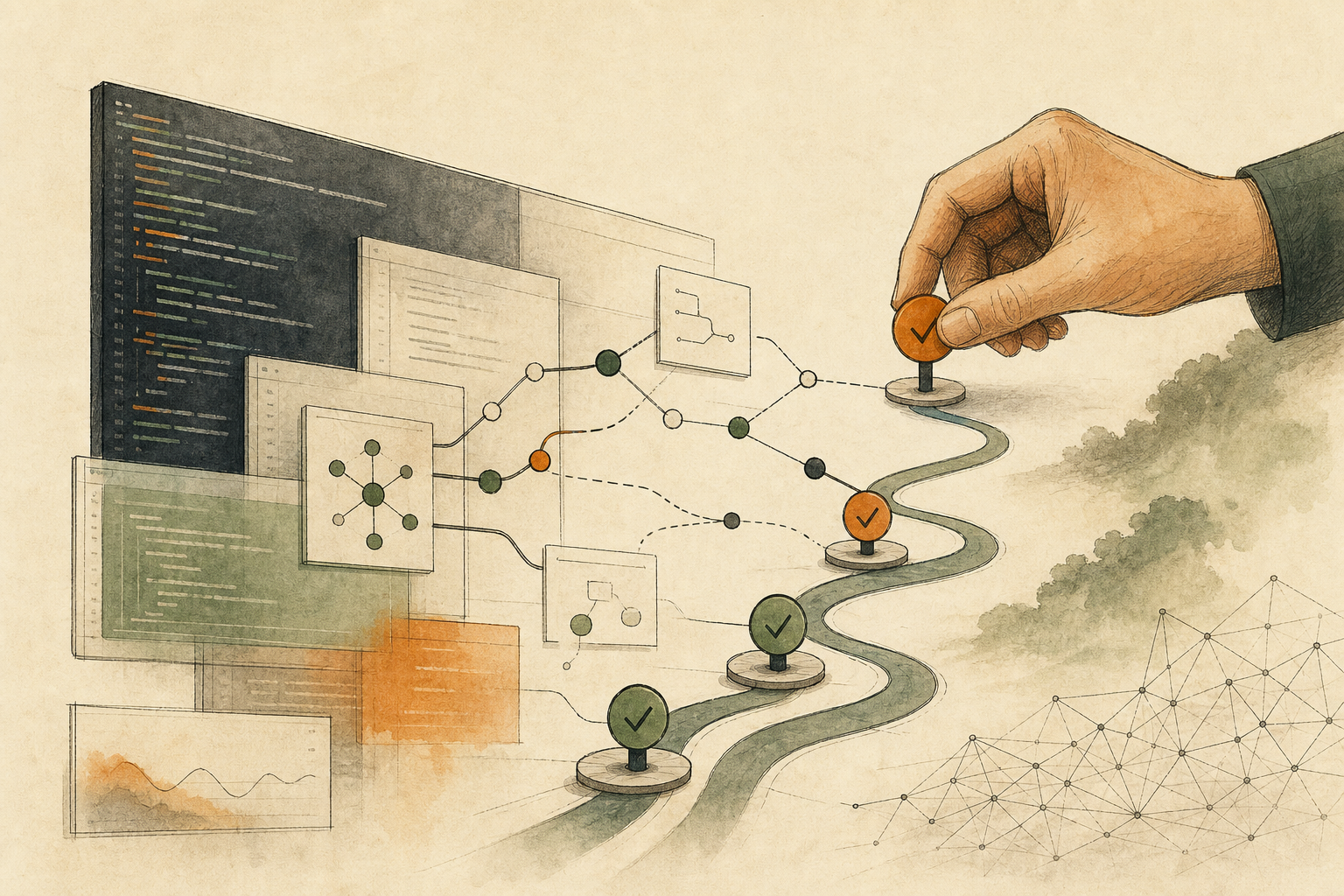


You package a service into a Docker image and hand it over for testing or deployment, then a scan report appears with dozens of findings: outdated packages, vulnerable base image layers, risky Dockerfile patterns, and overly broad permissions.
At that point the main problem is not lack of data. It is this: you do not know which signal should be handled first.
This article is a Docker/container-specific path, so it does not replace the general release-gate framework.
Use these two internal references first:
This lesson turns “When Docker Scanner Alerts Are Noisy, Decide Whether It Hits This Image First, Then Assign AI Its Role” into one practical reader question: Docker scanner alerts are only a starting point. First decide whether each finding affects this image and runtime, then define AI’s role and the human release gate. Use the rest of the article to identify what should happen before the team proceeds.
Turn each scanner signal into a container decision
A scanner list is only a starting point. Start by asking the image-level question for each finding.
| Scanner signal (raw) | Container question | Decision bucket |
|---|---|---|
| CVE shown on a base image package | Is this package actually reachable in this build, this image tag, and this runtime path? | Usually “test-first.” If the component is unreachable, mark as “not applicable for now.” |
Recommended apt/apk/pip upgrades | Will version drift change behavior, compatibility, startup order, or dependency contracts? | Default to “test-first,” escalate to “owner decision” when this is a critical path. |
Suggestion to change USER, RUN, ENTRYPOINT, or CMD | Does this alter permission source, startup sequence, or container trust assumptions? | Often “owner decision,” because behavior is hard to recover later. |
| Finding on exposed ports, socket use, or secrets | Does this change expand or narrow external exposure in your actual deployment topology? | “Owner decision” unless you can prove no traffic path changes. |
| Message that includes build args, keys, or credential hints | Can any of this move outside local context without policy approval? | Keep in “data-boundary pending” until transfer scope is confirmed. |
This table keeps your team focused: check whether the finding affects this image runtime, whether behavior changes, and whether rollback is immediate.
Decide mode first: scan-only versus AI explanation
Docker scanner workflows usually have two modes.
- Scan-only mode: run scan locally, keep outputs in-house, and use them for triage only.
- AI explanation mode: selectively ask a model to explain why a specific finding matters for this container.
Use AI explanation only when all three conditions are clear:
- You know which fields can leave local context.
- You know whether sensitive details (env vars, secret names, network layout) are included.
- You need human-readable prioritization, not auto-approved remediation.
If any condition is unclear, stay in scan-only mode first.
Five checks before any AI-supported fix is considered complete
For each finding, capture these decisions:
- Impact scope: Does this finding change base image, installed packages, or runtime assumptions?
- Behavior risk: Could startup, auth flow, data path, or exposed network behavior change?
- Test evidence: What test proves the fix did not regress the service?
- Rollback path: Which image tag is the rollback target and who triggers it?
- Responsible approver: Who signs the release decision when behavior risk is present?
Classify each finding as:
- Directly applicable: low-risk change, clear evidence, easy rollback.
- Test-first: require scoped validation before merge.
- Human decision required: high behavioral risk, data handling, permissions, or network changes.
Do not let AI take the final call on high-risk actions
AI is useful for:
- translating alert language,
- deduplicating repeated warnings,
- drafting candidate Dockerfile edits.
AI should not be allowed to directly approve or complete these alone:
- permission model changes,
- secret-handling adjustments,
- base image swaps,
- major network rule changes,
- any fix without a validated rollback path.
Keep the flow measurable and auditable
For each scanner finding, maintain one small decision card:
- signal summary,
- container impact (
applies,test-first,owner-decision), - evidence checklist,
- approver.
If rollback is unclear, treat the issue as unresolved and keep it in review queue.
The goal is not “fix everything fast.” The goal is: no hidden runtime side effects slip into production.
AI handoff card
Use this technical workflow check to sort your next step This is not a summary prompt. Use it to map the article back to your workflow, constraints, data, and decision goal.
I want to apply this BMC mini lesson to my own situation: When Docker Scanner Alerts Are Noisy, Decide Whether It Hits This Image First, Then Assign AI Its Role

Specific problem this article handles: Docker scanner alerts are only a starting point. First decide whether each finding affects this image and runtime, then define AI's role and the human release gate.
Article URL: https://boosterminiclass.com/en/posts/docker-ai-security-scanner-human-fix-gate/

Do not only summarize the article. First ask me 3 questions to clarify:
1. the real workflow or decision I am dealing with;
2. which data, permissions, accounts, costs, or external actions are involved;
3. whether I need a stop/go decision, a trial checklist, a handoff template, or a risk tier.

Then check my situation with this article-specific framework: 1. Map DockSec, Trivy, Hadolint, and Docker Scout findings to the actual container image, runtime mode, and exposed behavior; 2. Split each finding into directly-applicable, test-first, or owner-decision categories; 3. Separate scan-only mode from AI explanation mode and verify data boundary; 4. Save each decision with review evidence and a rollback step that is auditable.

Please output:
- one sentence on whether I should proceed, run a limited trial, or pause;
- a comparison table applying the framework to my case, with ready / missing evidence / needs human review;
- one smallest step I can take today;
- where I need an owner, log, rollback path, or human review.
If the AI skips constraints or sources, ask follow-up questions before using the output.
References
- OWASP: DockSec project page — https://owasp.org/www-project-docksec/
- GitHub: OWASP/DockSec — https://github.com/OWASP/DockSec
- Docker Docs: Scan images for vulnerabilities — https://docs.docker.com/develop/security-best-practices/official-images/#image-vulnerability-scans
- Docker Docs: Docker Scout documentation — https://docs.docker.com/scout/
- Aquasec: Trivy documentation — https://trivy.dev/v0.55/
- Hadolint: hadolint documentation — https://github.com/hadolint/hadolint
- Open Source For You: OWASP-Backed Open Source DockSec Uses LLMs To Fix Docker Vulnerabilities Faster — https://www.opensourceforu.com/2026/05/owasp-backed-open-source-docksec-uses-llms-to-fix-docker-vulnerabilities-faster/