On June 9, 2026, Google announced Gemini 3.5 Live Translate, a real-time speech-to-speech translation model. According to the official blog, it detects more than 70 languages, and the translated voice preserves the speaker’s intonation, pacing, and pitch; instead of waiting for the speaker to finish, it speaks while listening, staying just a few seconds behind throughout. It’s already in the Google Translate app, is available in Google Meet as a private preview for select business customers, and developers can connect to it through an API.
International meetings without waiting for interpreters, support teams understanding callers right away, classes where speakers of different languages can follow together: these conveniences are real. But one thing needs thinking through first: the more the translated voice sounds like the person, the easier it is to remember AI’s rendering as what they actually said.
And that voice is gone once it’s spoken. So when amounts, dates, responsibilities, or commitments come up in a meeting, ask the other side to restate them, and confirm in writing afterward. Don’t rely only on the translation you heard in the moment.
Sounding natural isn’t the same as being correct
Speech translation can drop a negation, mishear a number, turn a conditional into a definite statement, or render a product name or person’s name as something else. These errors hide in audio, which is harder to check back against than text, and a voice that keeps the speaker’s tone makes them sound more credible.
Misunderstandings after a meeting often don’t happen on the spot. A cross-border product meeting goes smoothly and everyone feels they understood, but no one writes down “test build delivered by next Wednesday” or “use the original quote for now” for confirmation. Three days later both sides find they understood differently, and what each remembers is the version AI rendered at the time.
Split meeting content into three kinds
Understanding only: opening remarks, background, product demos, general Q&A. Live translation gets everyone into the same context quickly; if something sounds odd, ask the other side to put it another way.
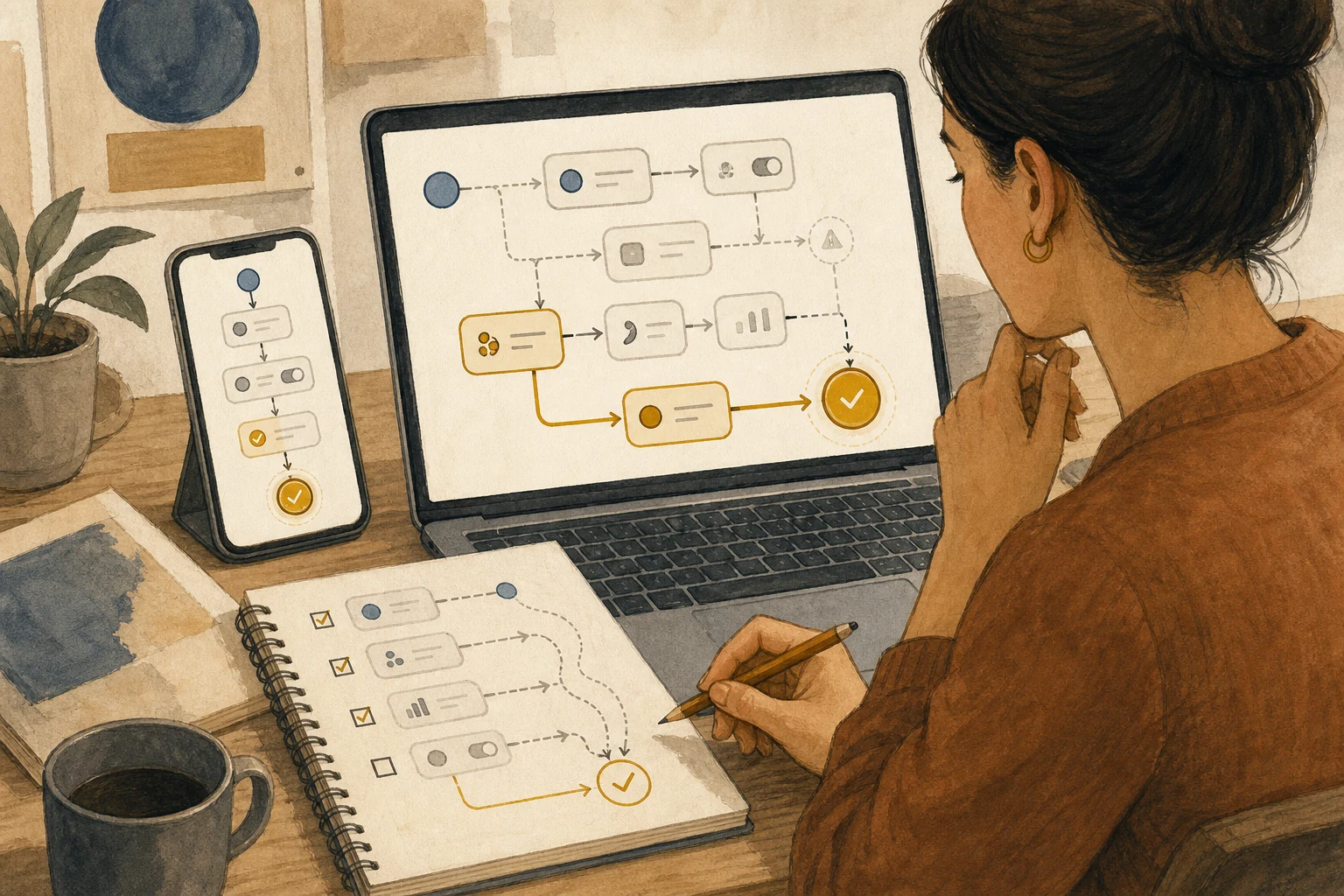
Understand, then leave a trail: task assignments, dates, numbers, specifications, next steps. Translation helps you keep up, but afterward write down tasks, owners, dates, and numbers, and have both sides confirm.
Can’t rely on the translated voice alone: quotes, contracts, refunds, medical, safety, personal data, warranties, and formal customer commitments. Use formal documents, professional interpreters, or sentence-by-sentence confirmation instead, and pause if it can’t be verified.
Name someone to call a pause
Before the meeting, name someone responsible for calling a pause. They don’t need to know every language; their job is to spot the signals: someone starts discussing price, promising delivery dates, handling accounts, or asking for refunds, or the translation is confusing several times in a row. When a signal appears, ask the other side to restate it another way, and note what needs written confirmation afterward.
The written confirmation should be specific: who does what, by when, for how much. If an AI note-taker is also recording the meeting, agree beforehand who can see the record and how it will be used; see An AI Note-Taker Joins the Meeting: Settle Four Things Before It Starts. For to-dos compiled after the meeting, separate what was actually promised; see The Item AI Ranks First Isn’t Necessarily Today’s Commitment.
Professional settings still need an interpreter
This split reduces the chance of misunderstanding; it doesn’t guarantee correct translation. Professional settings such as medicine or law still need professional interpreters. Also, live speech translation in Google Meet is currently only in private preview, and availability for general users varies by plan and region.
Google says all generated audio carries a SynthID watermark so AI-generated audio can be identified. That helps determine afterward whether a stretch of audio was AI-generated, but it won’t tell you whether the translation was right.
AI handoff card
We're holding a cross-language meeting with live speech translation, and I want to decide in advance what content needs a pause for confirmation and how to wrap up afterward.
The method comes from this article: https://boosterminiclass.com/en/posts/gemini-live-translate-meeting-checklist/
Its view: live translation keeps the speaker's tone, and the more it sounds like them, the easier it is to take AI's rendering as their actual words; and the voice is gone once spoken. Ask the other side to restate amounts, dates, responsibilities, and commitments during the meeting, and confirm them in writing afterward.

First ask me: the meeting's purpose, the participants' languages, and what numbers, deadlines, or commitments might come up.
Then:
1. Sort the planned agenda into "understanding only," "understand, then leave a trail," and "can't rely on the translated voice alone";
2. List the signals the person calling pauses should watch for, plus one sentence to use when asking the other side to restate;
3. Design a written follow-up template: item, owner, date, amount, and a confirmation field for both sides;
4. Mark which topics should switch to formal documents or professional interpreters.
Don't translate any formal commitments for me; only organize the process.
References
- Google official blog: Gemini 3.5 Live Translate is here — https://blog.google/innovation-and-ai/models-and-research/gemini-models/gemini-live-3-5-translate/ (2026-06-09)
- Ars Technica: Google announces Gemini 3.5 Live Translate for instant voice-to-voice translation — https://arstechnica.com/ai/2026/06/google-announces-gemini-3-5-live-translate-for-instant-voice-to-voice-translation/ (2026-06-09)
- 9to5Google: Gemini 3.5 Live Translate rolling out to Google Meet and Translate — https://9to5google.com/2026/06/09/gemini-3-5-live-translate-meet/ (2026-06-09)