

Your team’s agent reads customer emails, creates tasks, assigns owners, and drafts replies. After a successful trial, someone suggests removing the approval click and letting it send replies automatically.
The click is not the real boundary. Creating an internal task is usually reversible; speaking to a customer can create a commitment or damage trust before anyone catches the error. The agent’s permission should therefore match the consequence of each action.
In May 2026, TechCrunch reported that Asana had acquired no-code agent builder StackAI. StackAI promotes agents that work across business processes, while Asana’s AI Teammates operate inside everyday workflows. As multi-step automation reaches more non-engineering teams, every workflow needs a clear answer: what may run automatically, and where must a person take control?
Grant authority action by action
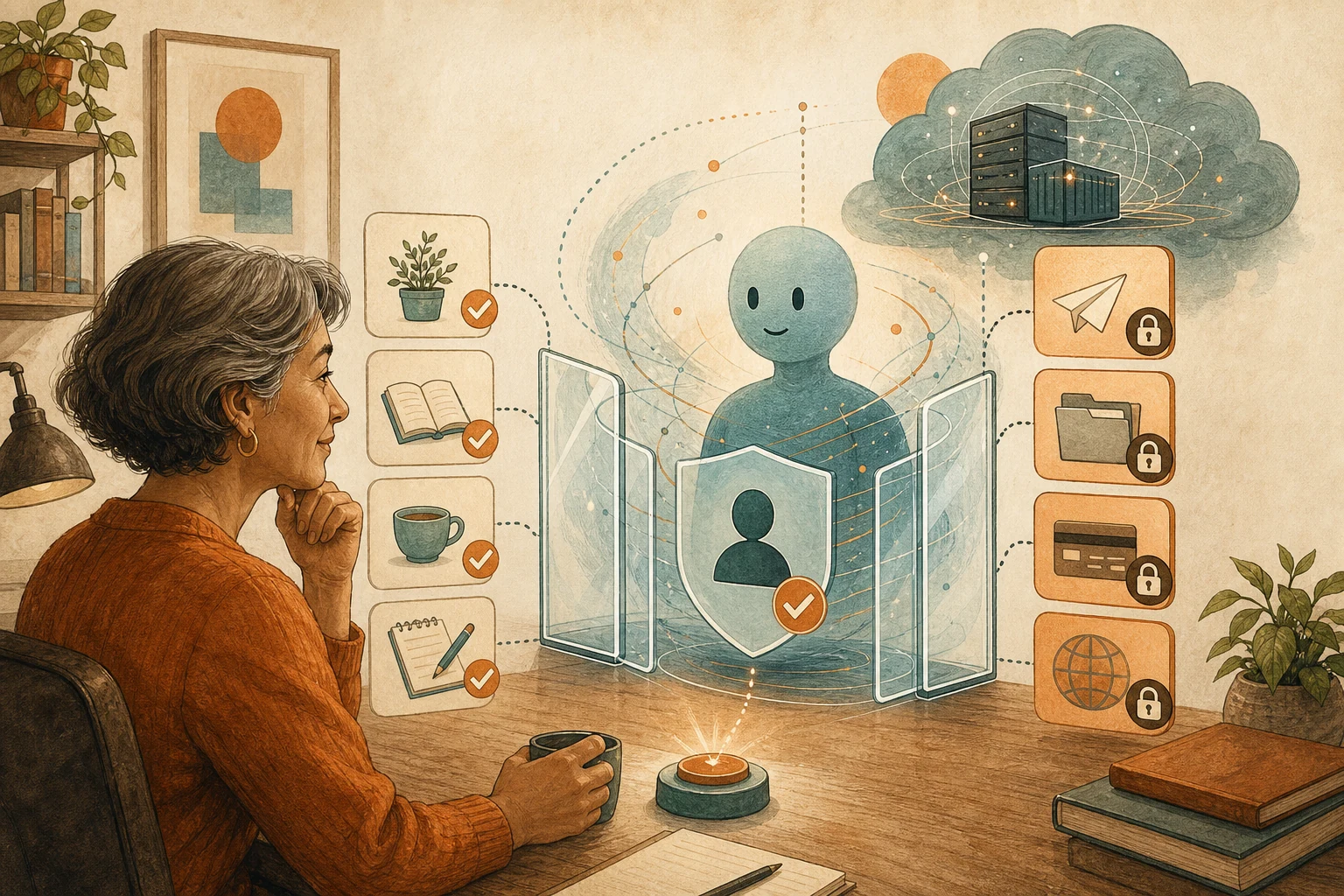
Access to a platform should not mean authority to use every capability in it. The same agent might read notes, move a deadline, export customer data, or send an external message. Those actions do not carry equal risk.
Classify each action by reversibility, reachable data, and who bears the consequence. Then grant only enough authority to complete that action safely.
| Consequence of the action | Common examples | Recommended permission | Explicit handoff point |
|---|---|---|---|
| Read-only access to non-sensitive data | Read public documents, summarize routine project progress | Allow automatic execution and retain access logs | Hand off when information is missing or sources conflict |
| Reversible internal change | Create a draft task, add an internal label | Allow automatic execution and provide a change summary | Require confirmation before deletion, overwriting, or bulk changes |
| Change that affects another person’s work | Reassign an owner, change a deadline, reorder priorities | Limit the scope and require approval beyond preset conditions | Hand off when the change crosses team responsibilities or affects an existing commitment |
| External or difficult-to-reverse action | Email a customer, publish content, approve a payment | Prepare a draft only; do not submit automatically | A named owner checks the content, recipients, and attachments before execution |
| Sensitive data or elevated access | Read HR records, export customer lists, change account permissions | Deny by default and allow only the smallest approved scope | Record the reason, approver, and result every time access is used |
The resulting permissions should be specific: draft but do not send, update only one project, or process no more than ten low-risk records per run. Reassess them whenever the agent gains a connection, handles larger batches, serves new users, or turns an internal draft into an external action. A trial proves only the scope that was tested.
Make every approval worth the interruption
A Continue button is not meaningful oversight unless the reviewer can judge the proposed action. Otherwise, a busy approver is likely to click through without understanding the evidence or impact.
If a customer asks to postpone a delivery, the agent can inspect the request and prepare a change without editing the official record. The review screen should show the original input, current and proposed dates, affected tasks, notification recipients, and expected output. A named owner—not a vague “admin” or “team”—then decides whether to proceed.
If that owner is unavailable, the item stays pending. A timeout must never become approval. This prepare-first approach also underpins keeping human checkpoints for coding agents.
The reviewer also needs a recovery plan: what the system will attempt, what the audit trail will retain, what can be reversed, and who owns follow-up if only part of the workflow succeeds.
Test whether the workflow stops safely
A happy-path test proves that the agent can finish when inputs are complete and services respond. It does not prove that the agent will stop safely.
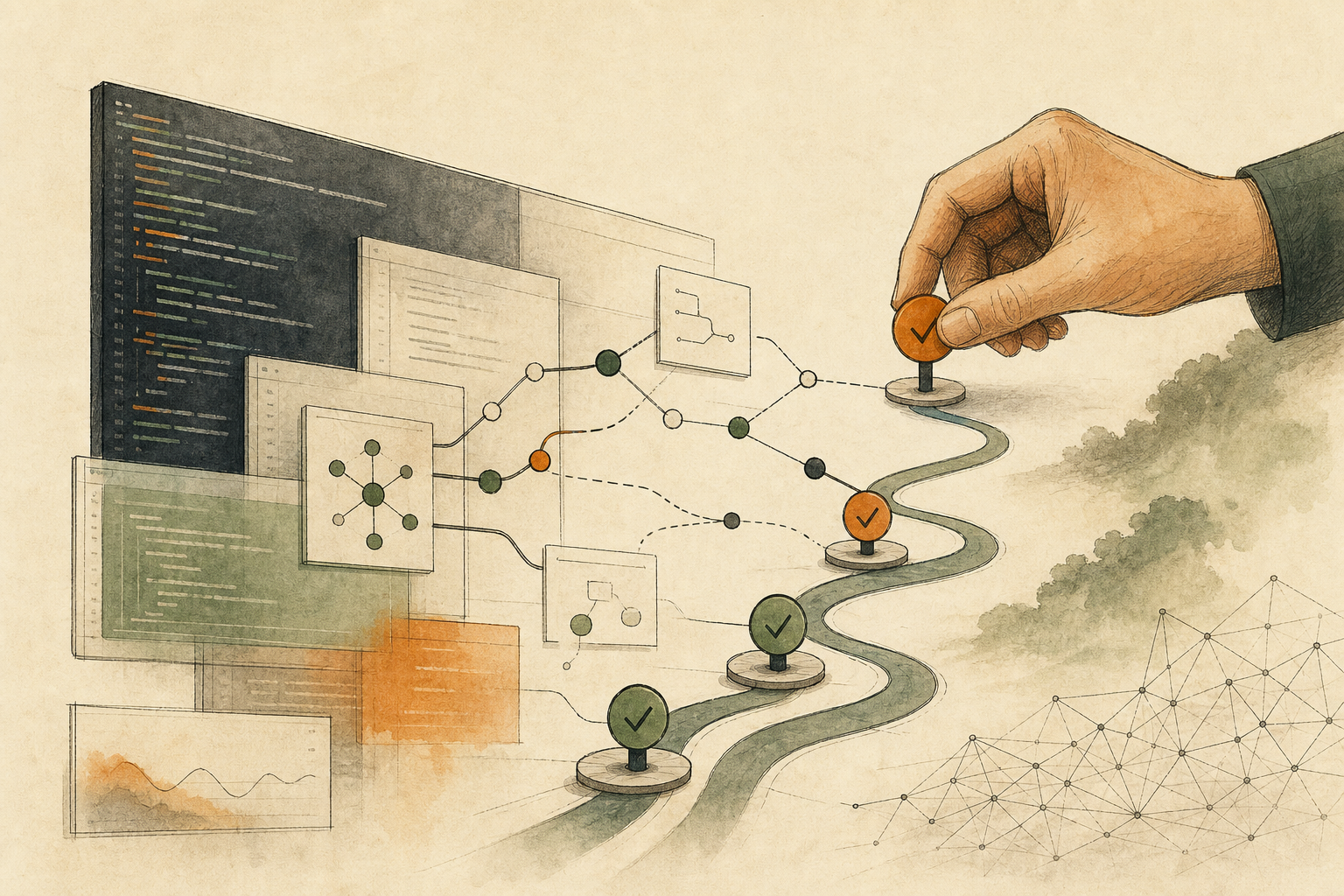
Begin with a low-risk task that changes no production record and publishes nothing. Then remove a required field, introduce conflicting sources, leave an approval unanswered, and force a connected service to fail. The test passes when the workflow stops at the intended boundary and leaves enough evidence for a person to continue safely.
For every system handoff, retain the source input, the agent’s reasoning or classification, the attempted output, and the result. This audit record distinguishes incomplete work from completed work.
Partial success needs an explicit rollback decision. If an agent creates a task but fails to notify the owner, deleting the task may erase a useful record. It may be safer to keep the task, mark the notification as undelivered, and assign recovery to the responsible owner. Compensating steps for workflow failures help when reversing everything would create another problem.
Keep the first release within the tested actions, data, and users. Expanding that boundary is a new permission decision, not a reward for an error-free run.
Put one boundary in place today
Choose one agent workflow that is live or close to launch. Write its actions in order and find the first one that changes shared data, alters someone else’s work, or communicates outside the organization.
Place a human checkpoint immediately before it. Name the owner, and show that person the relevant input, proposed output, affected people, audit evidence, and rollback plan. Test the stop with a low-risk case before granting more authority.
No-code tools make workflows easier to assemble. They do not carry the consequences of a bad action. Expand only from a boundary that has already proved it can stop.
AI handoff card
Inspect the current workspace, workflow configuration, available run history, and permission settings in read-only mode; do not change records or activate anything. Find one AI-agent action whose authority or human handoff is insufficiently defined, and quote the direct setting, log entry, or execution result that led you there. Separate what you observed from what you inferred. Evaluate the reachable data, reversibility, affected people, current decision owner, and recovery path. Use “To confirm” for any detail you cannot verify. If essential context is unavailable, ask at most one focused access or context question. Conclude with exactly one classification—“May run automatically,” “Requires human approval,” or “Must not run automatically”—and give one small action the team can take today. Do not raise privileges, inspect unapproved sensitive data, modify production content, or trigger an external action. Customer communications, payments, account-permission changes, irreversible operations, and changes crossing team ownership must remain blocked until a named human owner reviews the evidence and approves execution.
References
TechCrunch: Asana acquires no-code agent-builder StackAI — https://techcrunch.com/2026/05/28/asana-acquires-no-code-agent-builder-stack-ai/ [published: 2026-05-28]
StackAI: Stack AI raises $16M for Enterprises to Deploy AI agents at Scale — https://www.stackai.com/blog/stack-ai-raises-16m-series-a-to-create-ai-agents-for-every-job [accessed: 2026-07-20]
Asana: AI Teammates — https://asana.com/product/ai/ai-teammates [accessed: 2026-07-20]